 Cenote
Chat with files and images
Attach images and files with +, drag and drop, or paste. The AI can see them.
Chat with the best AI models, write code in a built-in editor, and watch your project run in a live browser preview. All in one place.
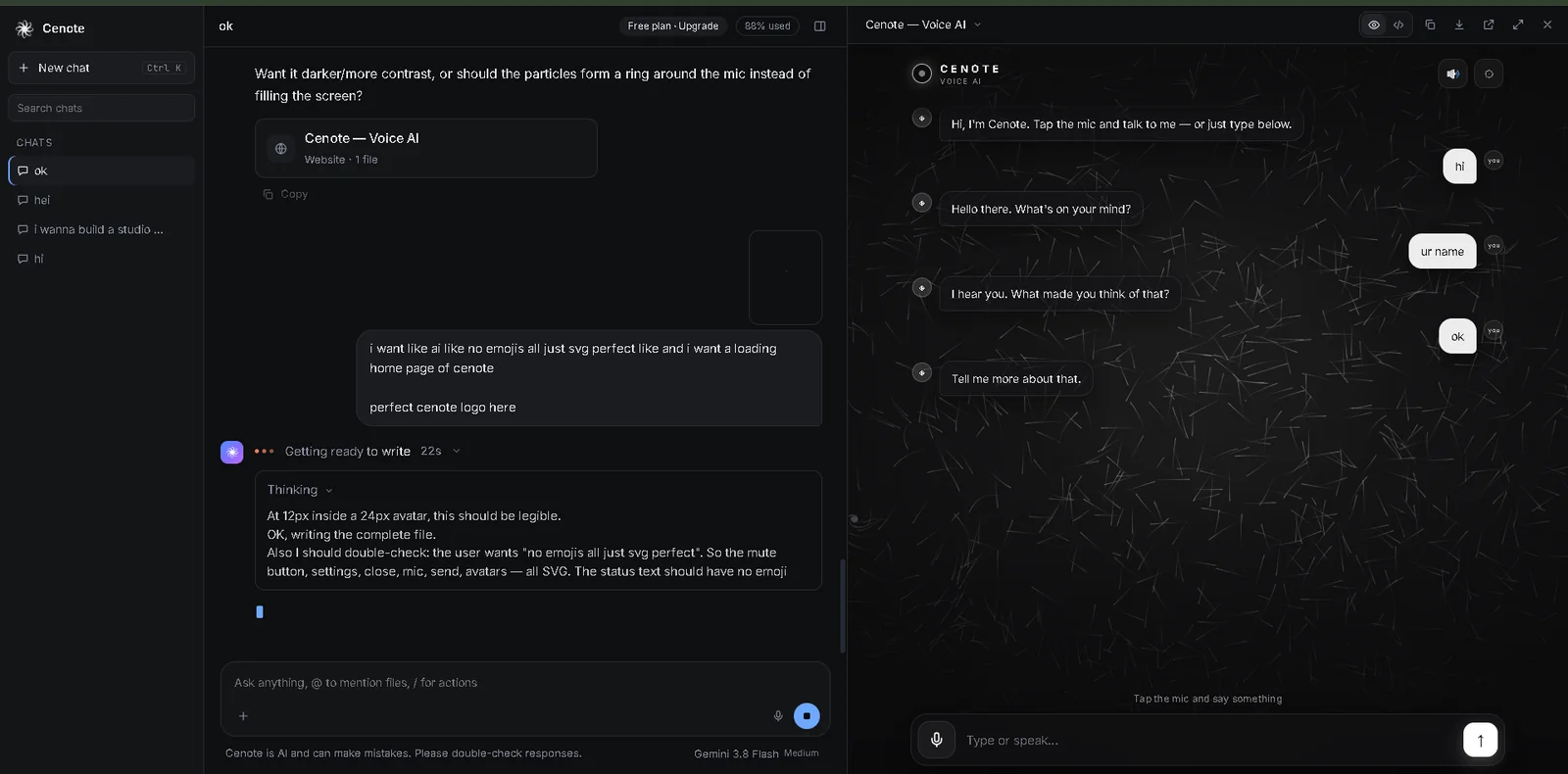
What you get
No setup, no install. Describe what you want and Cenote writes it, runs it and shows it to you.
Attach images and files with +, drag and drop, or paste. The AI can see them.
Ask for a website and it opens in a preview panel right next to the chat.
Switch the panel to code view to read, edit and save any file with Ctrl S.
Switch between Cenote, Claude, GPT, Gemini and DeepSeek models, with effort from Low to Max.
Dictate with the microphone, and get replies in the language you choose.
Generate pictures right in the chat with the image plugin, with download and regenerate.
Showcase
Real projects made from plain-English prompts. Each one shows the chat on the left and the running result on the right.
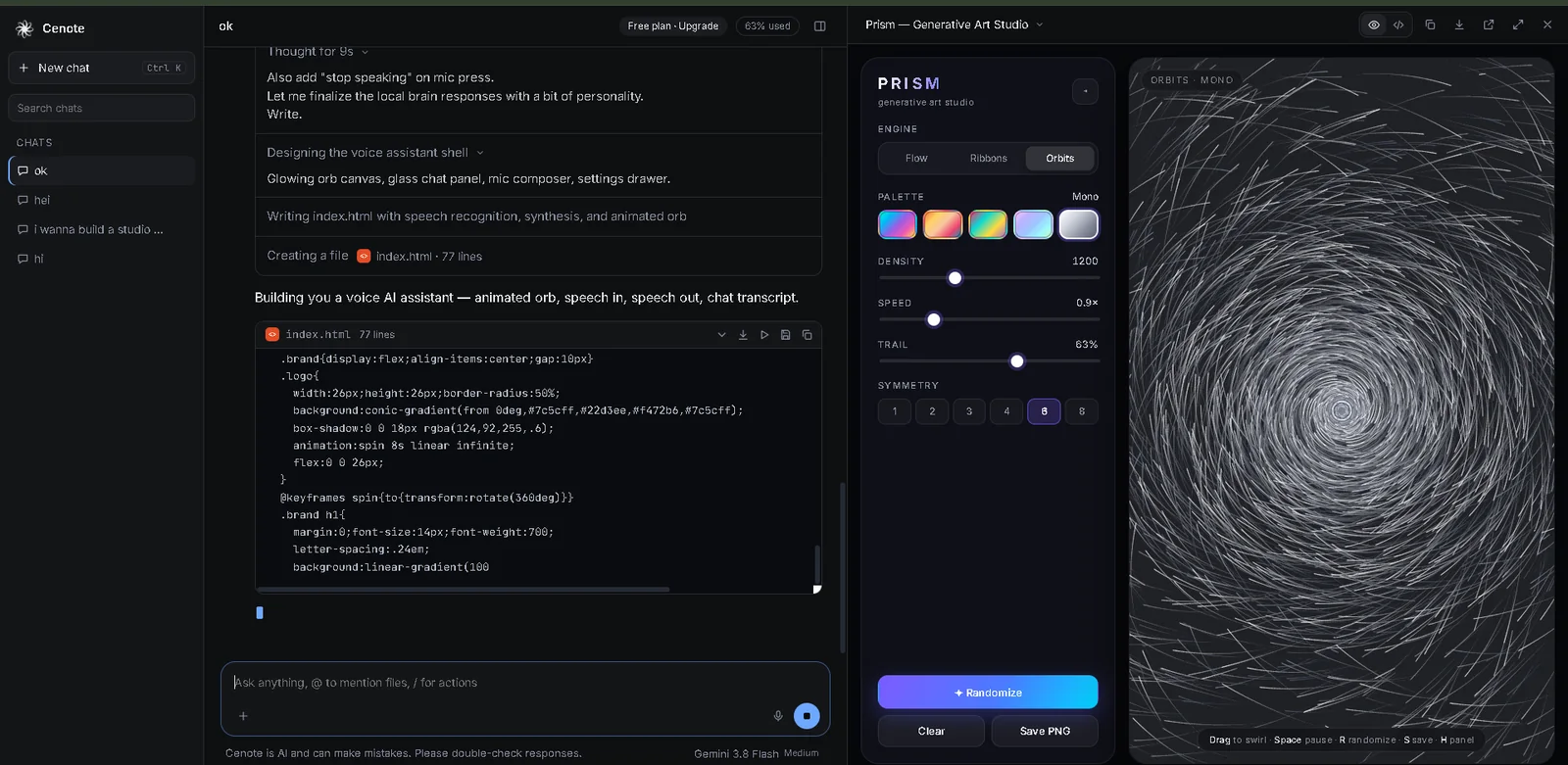
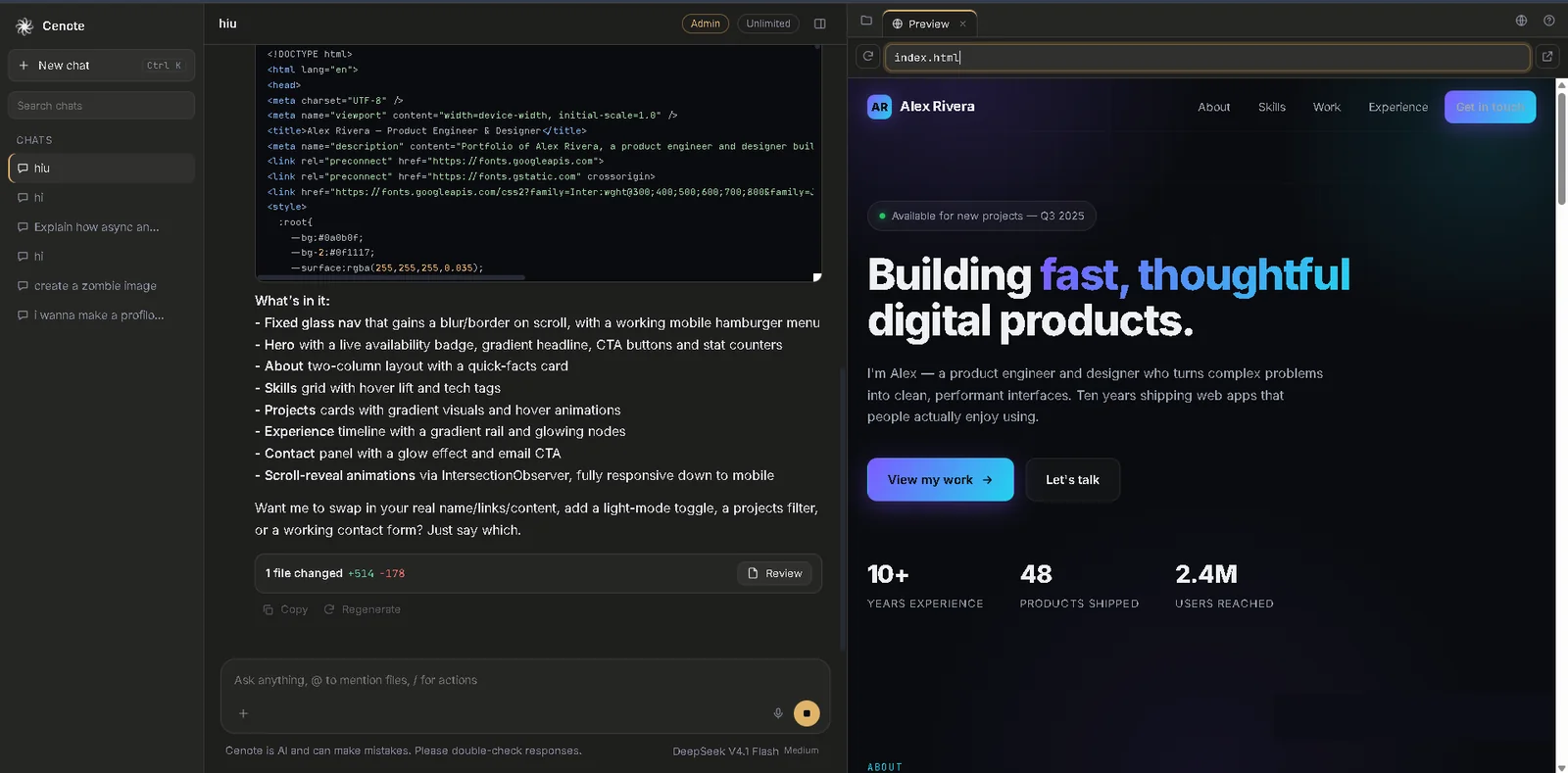
index.html.Our models
A family of models for quick answers, hard problems, images and files, and code.
For your toughest challenges
Built by Cenote
Fast for quick answers
Built by Cenote
Hydra with maximum reasoning
Built by Cenote
Balanced for everyday work
Built by Cenote
Faster replies, longer conversations
Built by Cenote
Text, images and files in one model
Built by Cenote
Omni with deeper reasoning
Built by Cenote
Built for writing and fixing code
Built by Cenote
Cenote Agent · coming soon
Coming soon: a coding agent that unzips safely, sorts files into the right folders, fixes every import, runs your tests and exports the result.
> /organize
Unzip(project.zip)   24 files, 0 blocked
Organize(dry_run)    9 moves planned
Organize(apply)      9 files moved
Patch(routes/auth.js) imports rewritten
Run("npm test")      exit 0, 12 passed
ExportZip()          project-clean.zip
Plans
Cenote is an AI studio in your browser. You chat with AI models, and they write code, create files and show a live preview of the result.
Our own models (Hydra, Omni, Code, v4, Plus and Carbon) plus Claude, GPT, Gemini and DeepSeek models. See the full list.
Yes. Free includes chat with files and images, the code editor, live preview and basic models, with standard usage limits.
There is a 5 hour limit and a weekly limit. Bigger models and higher thinking effort use more of them. Read how it works.
Read our Privacy Policy. EU and UK users can also see the EU & UK notice.